Find the next step.
Keep classes, assignments, goals, and your school-day plan together. Make scattered work easier to manage.
See student homeCLASS COACH BY EDCHANGE TECH
Schoolwork can feel like a lot.
The next step doesn’t have to.
Meet Class Coach. An app that helps students organize their work, understand what feels hard, and study from their own class materials.
Made for student ownership. Built with family support in mind.
PRACTICAL TOOLS. EVERYDAY PROGRESS.
From “What’s due?” to “Can you explain this?”—Class Coach keeps useful support close to the work.
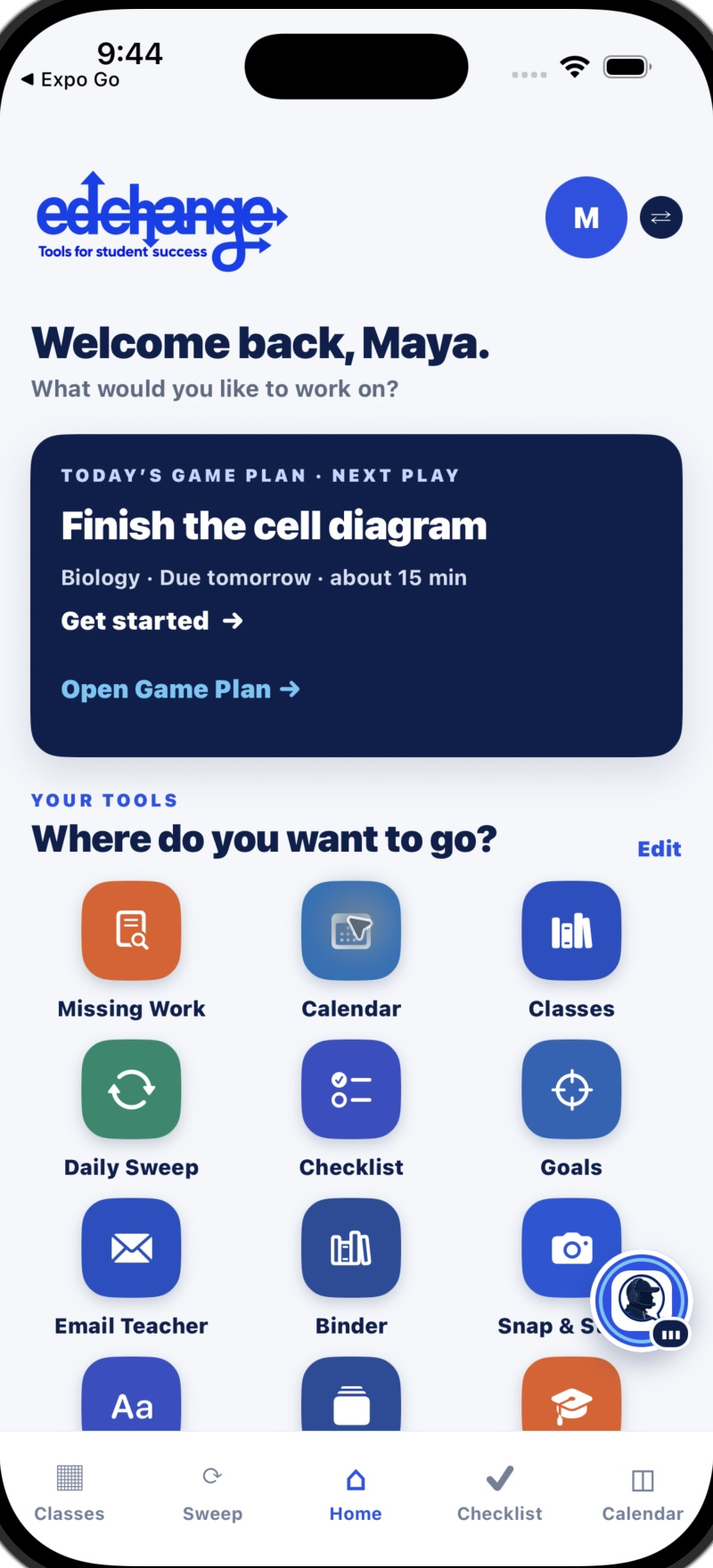
Keep classes, assignments, goals, and your school-day plan together. Make scattered work easier to manage.
See student homeAsk Coach for another explanation or talk through class material with guided support, including Voice Coach.
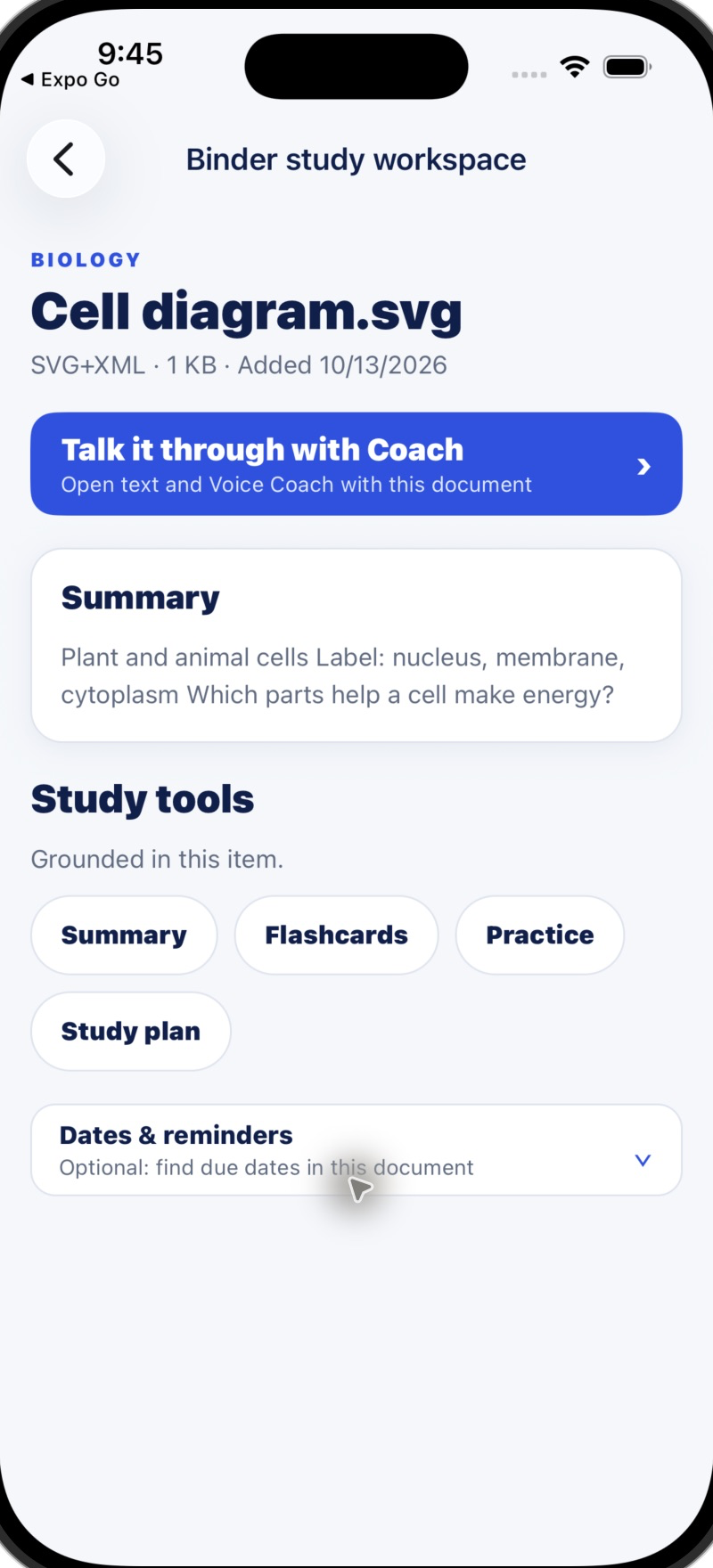
See study supportTurn your Binder materials into summaries, flashcards, practice, and study plans. Start with the page you’re learning from.
See Binder toolsINSIDE THE CLASS COACH APP
See how the tools come together on iPhone.
Simulator screenshots show build 85’s app interface with fictional sample student content. Features depend on account permissions, school connections, and plan limits.
Student home · Start with the next step.
Tap the screen for a closer look ↗STUDENTS LEAD. FAMILIES SUPPORT.
Class Coach helps students work with their own materials and choose what to do next. Linked family members can encourage progress while students keep ownership of the work.
Built by an educator and parentFind the app on the App Store for iPhone.
Follow the account setup and family access options.
Bring a class material, check the work, and choose one useful next step.
A FEW THINGS TO KNOW
This page introduces the Class Coach iPhone app. The App Store button takes you to the official listing. Class Coach also has a web workspace.
Save photos, notes, and documents in the class Binder, then choose available study tools such as summaries, flashcards, practice, study plans, or guided Coach support.
Students can bring their own materials. Connecting a supported learning platform depends on the school account’s access and permissions.
Visit current plans and pricing and the Class Coach privacy policy for the latest details.
EDCHANGE TECH · TOOLS FOR STUDENT SUCCESS
Put Class Coach in your student’s pocket.